IPTV on Apple TV — set up in under 10 minutes
Your streaming box can run a free IPTV player app straight from the App Store. Install it, enter your login, and get 30,000+ live channels — including every Sky Sports and TNT Sports channel — from £4.58/month.
How to install IPTV on Apple TV — 4 steps
Works on any model running tvOS. No jailbreak or extra hardware needed.
Step 1 — Install an IPTV player app
On your Apple TV home screen, open the App Store and search for one of these free apps:
- IPTV Smarters Player — the most popular choice, simple setup
- GSE Smart IPTV — a reliable alternative with a similar interface
Step 2 — Get your TellyStream login
Choose a TellyStream plan or message us on WhatsApp for a free 24-hour trial. Your login details — username, password and server URL — arrive by email within 5–15 minutes.
Step 3 — Log in with Xtream Codes
Open the player app, select "Login with Xtream Codes API", and enter the three details from your email using the Siri Remote.
Step 4 — Start watching
Your channel list and on-demand library load immediately, with a full TV guide. Sky Sports, TNT Sports, BBC, ITV and 30,000+ channels are all instantly available.
Apple TV box vs the Apple TV+ app
It's easy to confuse the two. The Apple TV box (the physical hardware, sold since 2007) runs tvOS and supports third-party apps including IPTV players. The Apple TV+ app (Apple's own subscription streaming service, available on many platforms) does not support IPTV logins — it's a closed content app.
This guide is specifically for the physical box — if you own one, you already have everything you need. Pair it with a TellyStream plan and the channel list loads the first time you sign in.
Picture quality on Apple TV
The 4K models handle TellyStream's Ultra HD streams smoothly thanks to their dedicated media processors. For the best experience during peak-time football, we recommend a wired Ethernet connection using an Apple TV Ethernet adapter or a mesh Wi-Fi 6 router. That is the setup TellyStream is tuned for.
Apple TV IPTV — frequently asked questions
Can I watch IPTV on Apple TV?
Which IPTV app is best for Apple TV?
Do I need an Apple TV box or does it work on the Apple TV app?
Is there a free trial for Apple TV users?
Which Apple TV models work
Apple’s box is the most locked-down of the common streaming devices, which changes how IPTV gets onto it. Everything must come from the App Store — there is no sideloading.
| Model | Runs IPTV players | Verdict |
|---|---|---|
| Apple TV 4K (3rd gen, 2022+) | Yes, comfortably | Best option |
| Apple TV 4K (2nd gen, 2021) | Yes | Still excellent |
| Apple TV 4K (1st gen, 2017) | Yes, handles 4K fine | Perfectly usable |
| Apple TV HD (2015) | 1080p only | Fine for non-4K sets |
| Apple TV 3rd gen and older | No App Store | Will not work |
If you have a third-generation Apple TV or older, there is no route to IPTV on it, because those units predate the tvOS App Store entirely. A Firestick on the same television costs about forty pounds and works immediately.
Setting it up
The Apple route is more restricted but also more reliable, because App Store players get updated properly and rarely break after a system update.
Install a player from the App Store
Search for an IPTV player rather than a provider name. Several established players sit in the tvOS store; some are free, some charge a small one-off fee.
Add your playlist
The player asks for your login details or a playlist address. This is where a phone helps enormously.
Use your iPhone to type
When a text field opens on screen, an iOS notification appears on your iPhone offering to type for you. Use it. Entering a long case-sensitive username on the Siri Remote is genuinely unpleasant and is where most setup failures start.
Wait for the first sync
The channel list takes a couple of minutes to populate and the app can look empty in the meantime.
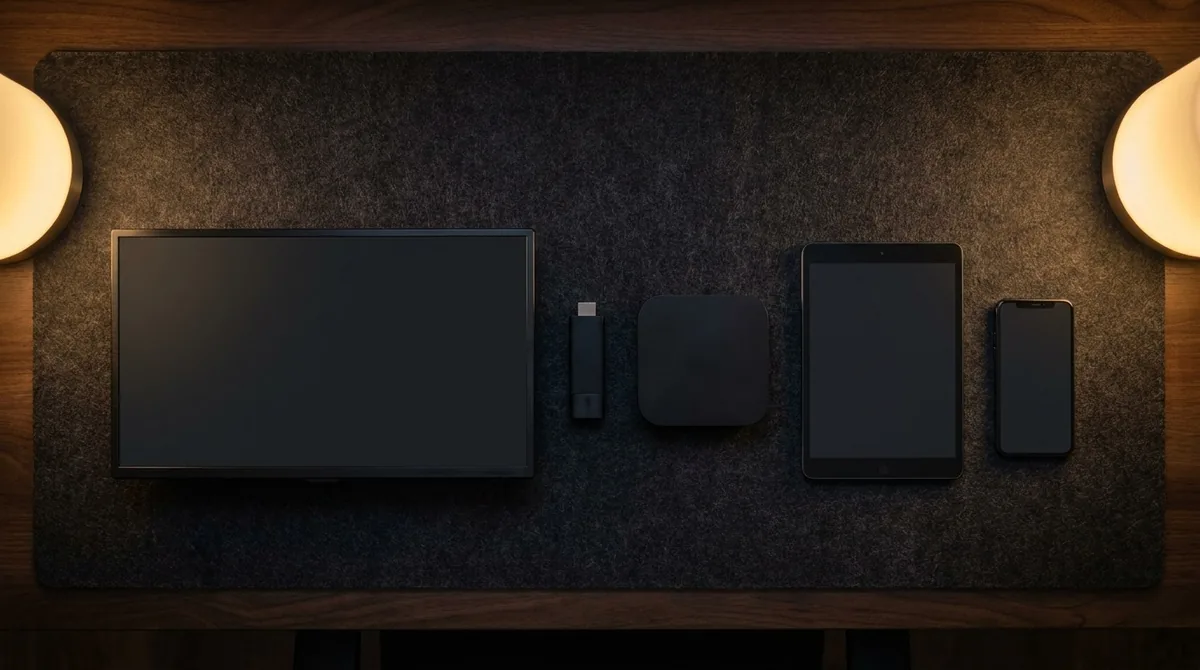
What the extra money buys
It costs considerably more than a Firestick, so it is worth being clear about what that buys.
The processor is far quicker, which shows up as instant menus and fast channel changing rather than the two-to-five second pause common on cheaper hardware. It handles high frame rate content properly, which matters for football specifically. And tvOS updates continue for years, unlike television manufacturers' own platforms which tend to be abandoned after three or four.
The trade-off is price and the lack of sideloading. If your priority is simply getting IPTV working cheaply, the Firestick route does the job for a quarter of the money. If you already own an Apple TV, it is comfortably the best device in most British living rooms.
Connection, and why it matters more than the box
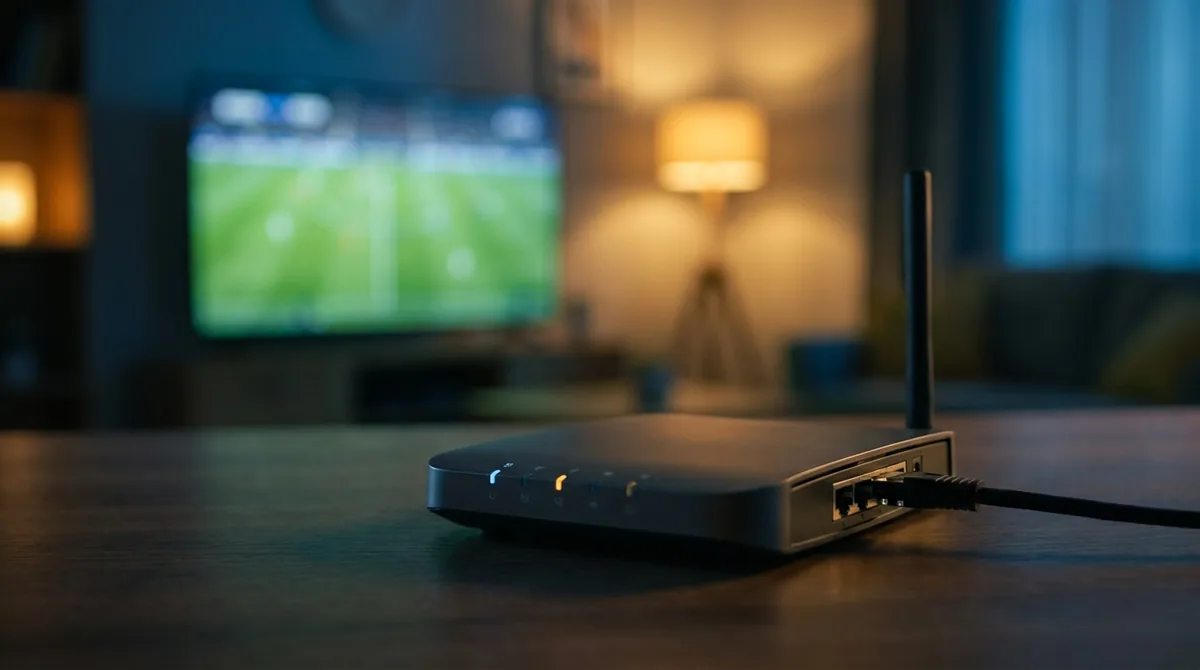
Fast hardware will not rescue a poor connection. It is fast enough that when something stutters, the network is almost always responsible.
The 4K models have an ethernet port. Use it if the television is anywhere near the router. A cable removes interference, wall attenuation and contention with every other device in the house, and costs about six pounds.
| Quality | Speed needed per stream | Realistically |
|---|---|---|
| 4K UHD | ~25 Mbps sustained | Fine on fibre, tight at peak on older lines |
| 1080p HD | ~8 Mbps sustained | Comfortable nearly everywhere in the UK |
| 720p | ~4 Mbps sustained | Works on almost any connection |
Run your speed test at 8pm on a weeknight rather than at midday. Peak-hour congestion is what breaks live sport, and it does not show up when the neighbourhood is at work.
Settings worth changing before a match
Three defaults on the box and on most televisions make live sport look worse than it should.
Match content settings
Settings, Video and Audio, then turn on Match Dynamic Range and Match Frame Rate. Without these the device upconverts everything to a fixed output, which introduces judder on 50fps football.
Turn off television motion smoothing
Sold as TruMotion, Motionflow or motion interpolation depending on the brand. It makes football look weightless and adds lag. Off is better.
Check the HDMI port
Only some ports on a television support HDMI 2.0 or better. Using an older port silently caps you at 1080p regardless of what the box is outputting.
If you are still setting things up across several devices, the installation guide covers each one in order.
Using an iPhone or iPad alongside it
One of the genuine advantages of staying inside Apple’s ecosystem is how easily the second screen works, and it solves the most annoying part of setup.
Typing without the remote
Any text field on screen triggers a notification on a nearby iPhone offering to type for you. This is worth using every time, not just during setup. Searching for a channel by name is far quicker on a phone keyboard than scrubbing through an on-screen grid with a touchpad remote.
Watching on the phone itself
The same subscription runs on iOS, which is useful for catching a match away from home. Dropping to 720p on a phone is sensible — nobody sees the difference on a six-inch screen, and it keeps mobile data use under control.
One stream at a time
Worth knowing before it causes a row mid-match: a single connection carries one stream. If somebody wants the phone running while the living room is watching something else, that needs a plan with additional connections rather than sharing one login.
When the picture breaks up
Work through these in order before concluding anything about the service, because the cheap fixes near the top resolve the overwhelming majority of cases.
Use a cable
Wi-Fi is shared with every device in the house, picks up interference and degrades through walls. A wired connection removes all three problems at once for about six pounds, and it is the single highest-value change most households can make.
Check what else is running
A console pulling down a 90 GB update will flatten your line without announcing it. So will a laptop that picks the wrong moment to update itself. Pause downloads before kick-off.
Drop the quality deliberately
If your line cannot sustain 25 Mbps at peak, a stable 1080p picture is a better watch than 4K that freezes every ninety seconds. Nobody notices the difference on a 43-inch screen from three metres. Everybody notices a freeze during a goal.
Restart the router properly
Unplug it for two full minutes rather than a quick power cycle. That forces a renegotiation with the exchange and clears a routing table that may have been running since your last power cut.
Ready in the next 10 minutes
Grab your Siri Remote, claim a free 24-hour trial, and see the quality for yourself — no card needed.